Downloads / Unbolt Tools
Free, open-source tools. GPL-3.0 / Apache-2.0. No ads, no telemetry.
Six tools for Android and the desktop, built from source and tested on our own hardware. Every artifact is published with its size and SHA-256, and updated from one manifest — no account, no store, no lock-in.
How to install (APK sideload / .deb)
APK: download it on the phone, tap the file, allow “install unknown apps” for your browser or file manager, then tap Install. No Play Store, no account. The same steps apply to PolyQon, the Xposed module, Unbolt Hub and Unbolt Home — install the APK you downloaded; the module additionally needs LSPosed/Vector enabled.
Debian / Ubuntu: sudo apt install ./file.deb (or
sudo dpkg -i file.deb), then launch it from the menu.
Windows: the .exe builds are standalone — no installer, no service,
no bundled toolbars.
featured build
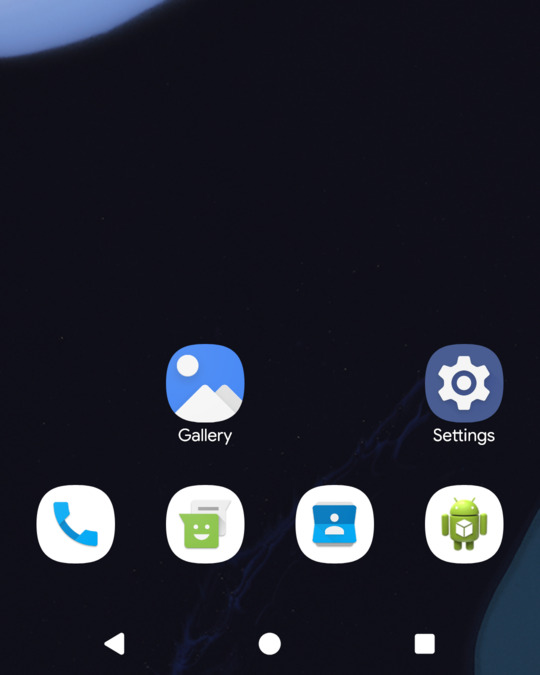
Unbolt Home
v0.13.2 · betaAndroid launcher · release-signed
One UI feel, Nova depth, open source. The launcher we build for our own phones.
Unbolt Home 0.13.2 is out. One UI preset with a 4-column drawer, 3×3 folders, One UI page dots, an always-on indicator and a Restore One UI preset action. Live PolyQon theme sync, bottom drawer search bar, dock width and foldable-first layouts.
- One UI preset
- PolyQon theme sync
- foldable-first
 enlarge
android
Sideload with the browser or adb install. Root is optional unless a feature says otherwise.
PolyQon
v0.2.20 · betaAndroid app + Xposed module
 enlarge
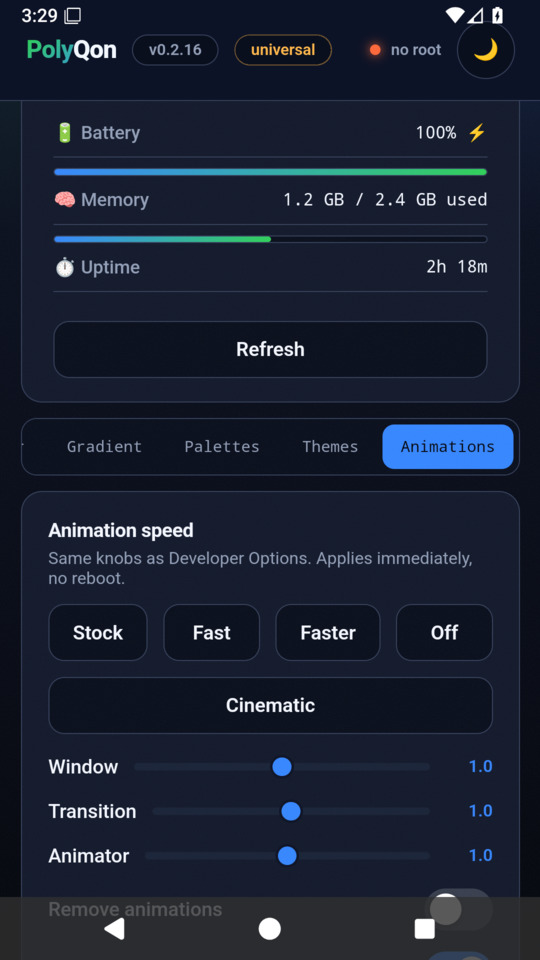
Animations tab · universal mode
Open-source One UI theming app and LSPosed module for Samsung devices (tested on One UI 7 and 8.5). Tweaks colour slots, Quick Settings grid columns, status bar icons, and lockscreen clocks without custom ROMs.
- 30+ live tweaks
- One UI 7 + 8.5
- QMG boot animations
Unbolt Hub
v0.6.3 · betaAndroid app · release-signed
 enlarge
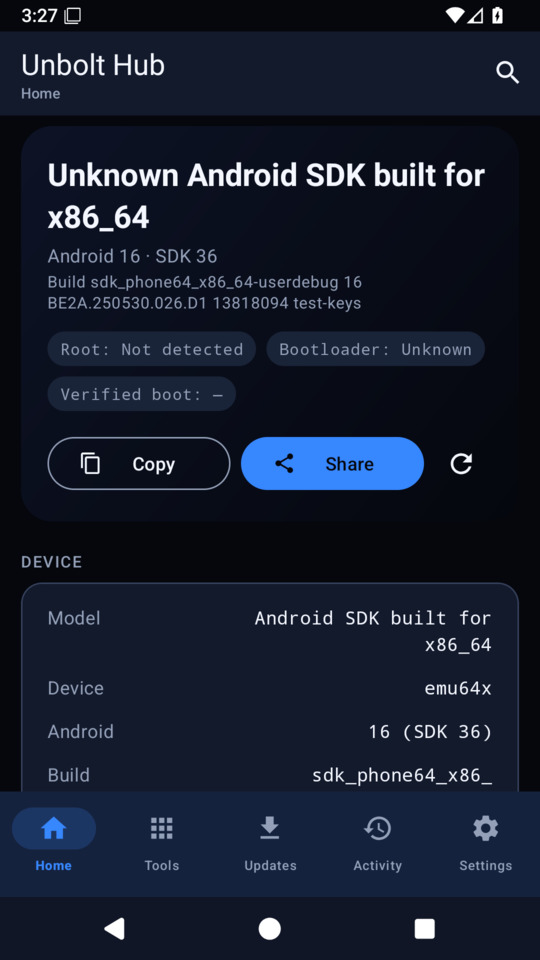
Hub 0.6 · home
The control panel for the whole family — device dashboard, tool launcher, update checks and PolyQon accent sync in one app.
- device dashboard
- tool launcher
- PolyQon sync
desktop
Debian/Ubuntu .deb packages. Hub, PolyQon and Orbit also ship standalone Windows .exe builds; RootForge 2.4.5 for Windows is pending.
RootForge
v2.4.5 · stableLinux .deb · adb for the phone
 enlarge
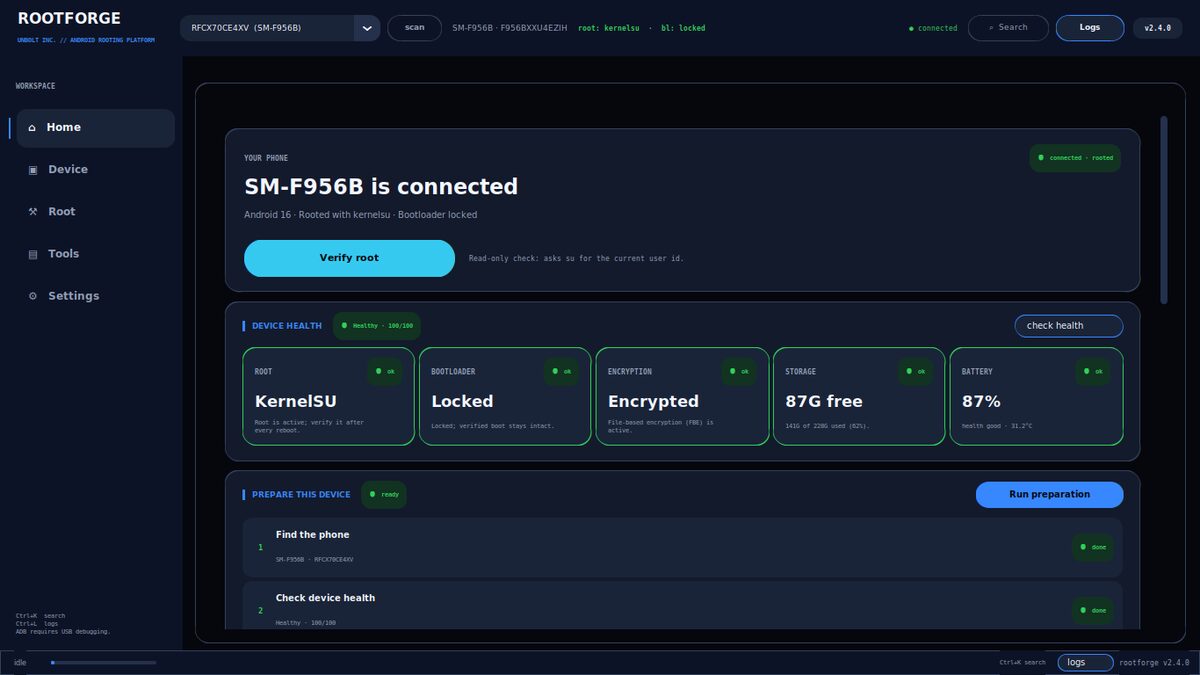
RootForge 2.4.5 · home
Plug in a phone and it profiles it, ranks every rooting route for that exact build, and fetches the right files.
- device-matched matrix
- unlock wizard
- GUI + CLI
Orbit
v2.1.3 · stableLinux .deb · Windows .exe
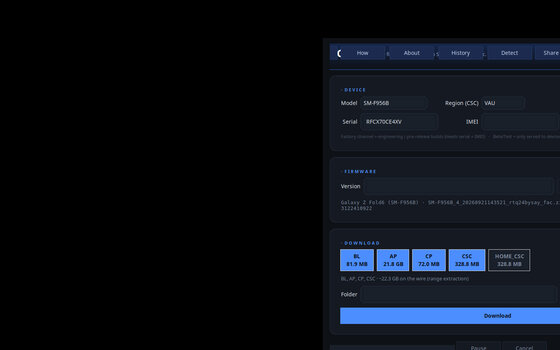 enlarge
Orbit 2.1.3 · desktop GUI
Samsung firmware straight from FUS — full speed, no login, per-partition extraction and decrypt.
- FUS direct
- per-partition
- GUI + CLI
what runs where
| tool | Android | Linux | Windows |
|---|---|---|---|
| PolyQon | 9+ · APK | .deb 0.2.1 | — (rebuild pending) |
| Unbolt Hub | 7+ · APK | .deb 0.4.3 | .exe 0.4.3 |
| RootForge | via adb | .deb 2.4.5 | .exe 2.4.5 |
| Orbit | — | .deb 2.1.3 | .exe 2.1.3 |
The desktop builds are tested on Debian 13 and Windows 11. Cloud-tested on TestingBot (Android 13–17) and Samsung Remote Test Lab (One UI 9). macOS: run the desktop tools from source or via Wine — there is no native macOS build yet.